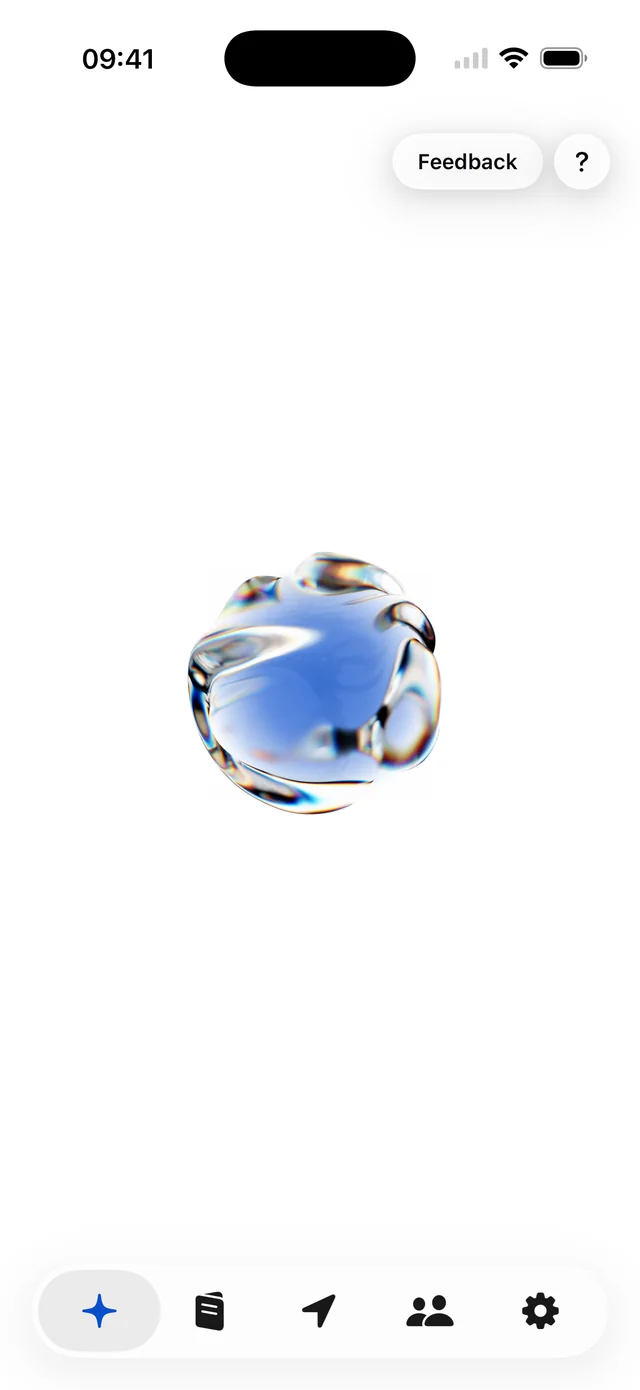
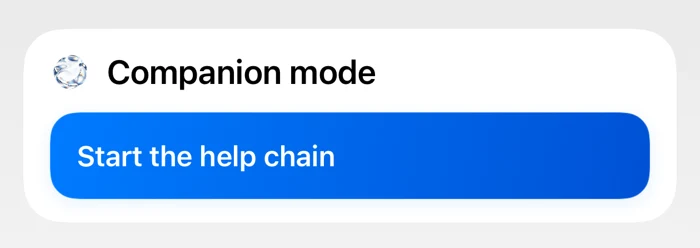
01 / 03 — Trigger
Start it your way.
Say “Hey Siri, Bravo”, hold the Safety Button, set a Check-In Timer or tap once on your Lock Screen.
 Kai Companion
One trigger starts your help chain. Your trusted contacts instantly get your exact location by SMS, and Kai calls your primary contact automatically.
No account. Set up in under two minutes.
The Help Chain
One trigger. Your location, an SMS, and a call go out automatically. Your people know where you are before you finish breathing out.
01 / 03 — Trigger
Say “Hey Siri, Bravo”, hold the Safety Button, set a Check-In Timer or tap once on your Lock Screen.
02 / 03 — Location
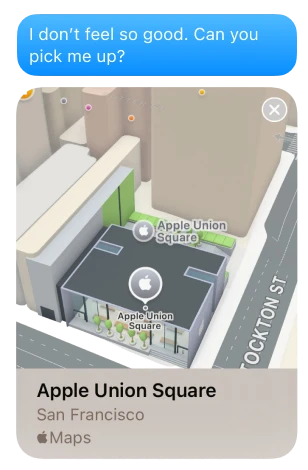
Every trusted contact gets an SMS with your exact location in Apple Maps.
03 / 03 — Call
Kai automatically calls your primary contact, so someone is on the line right away.
Live Location
When your help chain starts, Kai sends your exact GPS position as an Apple Maps link. No searching, no guessing, no back and forth. Your contacts see where you are and can come straight to you.
GPS works without internet. Your position is attached to every alert, even with no Wi-Fi or mobile data.
All your trusted contacts receive your location at the same moment. Your primary contact also gets an automatic call.
A standard SMS with an Apple Maps link. Your contacts do not need Kai or any other app.
Shared only with the people you choose. Never with our servers.
Triggers
Voice, button, timer, or lock screen. Kai reacts the moment you need it.
01 — Voice Command
Works straight from the lock screen. No setup, no unlock, no delay.
02 — Safety Button
One second press. A 3 second countdown gives you time to cancel.

03 — Check-In Timer
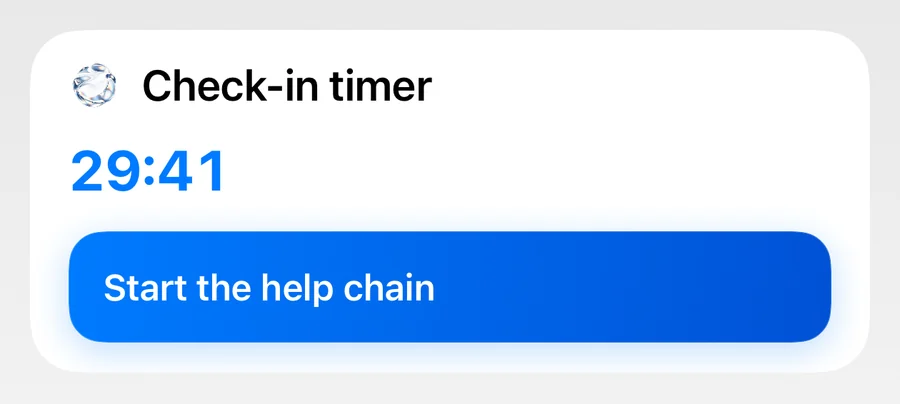
Kai alerts your contacts if you do not confirm safe in time.
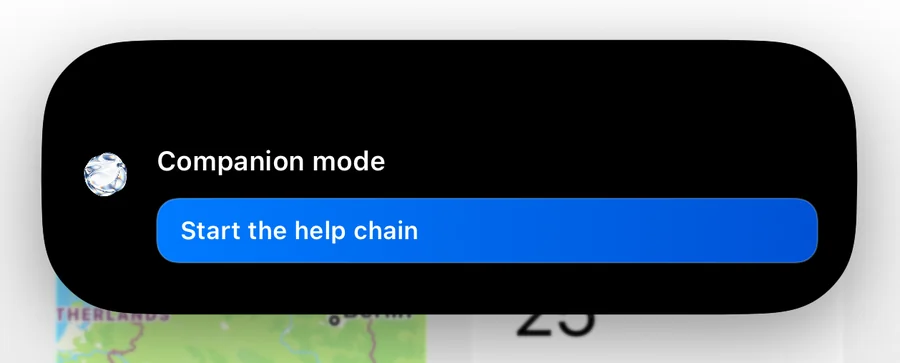
04 — Companion Mode
Live Activity on your lock screen and Dynamic Island. One tap to trigger.
Why Kai
Your safety should never depend on an internet connection or someone else installing an app.
Every safety feature runs without WiFi or cellular data. Triggers, health monitoring, and fall detection all work without a connection.
Your contacts receive standard SMS and phone calls from your iPhone. They never need to install anything.
Every trigger works without sound or vibration. Nobody nearby will notice when you ask for help.
Features
Help chain. Health monitoring. Help points. Fall detection. Voice. Widgets. All deeply integrated into iOS and ready from day one.
Buddy Signals
Kai reads your context. Time, place, vitals, motion, weather. It acts before you do. Morning briefings, night watch, health alerts, and contextual safety tips throughout your day.
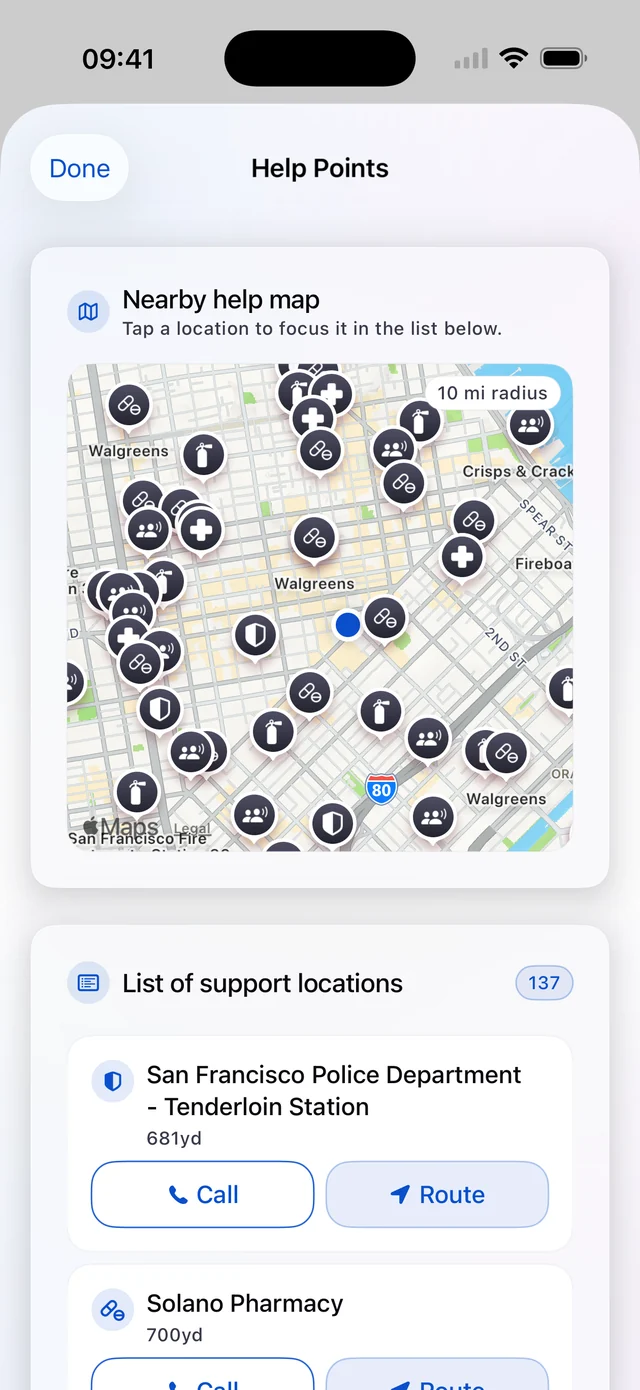
Nearby Help
Police. Hospitals. Pharmacies. Support organizations. All on an interactive map. Always know where help is within reach.
Widgets and Live Activities
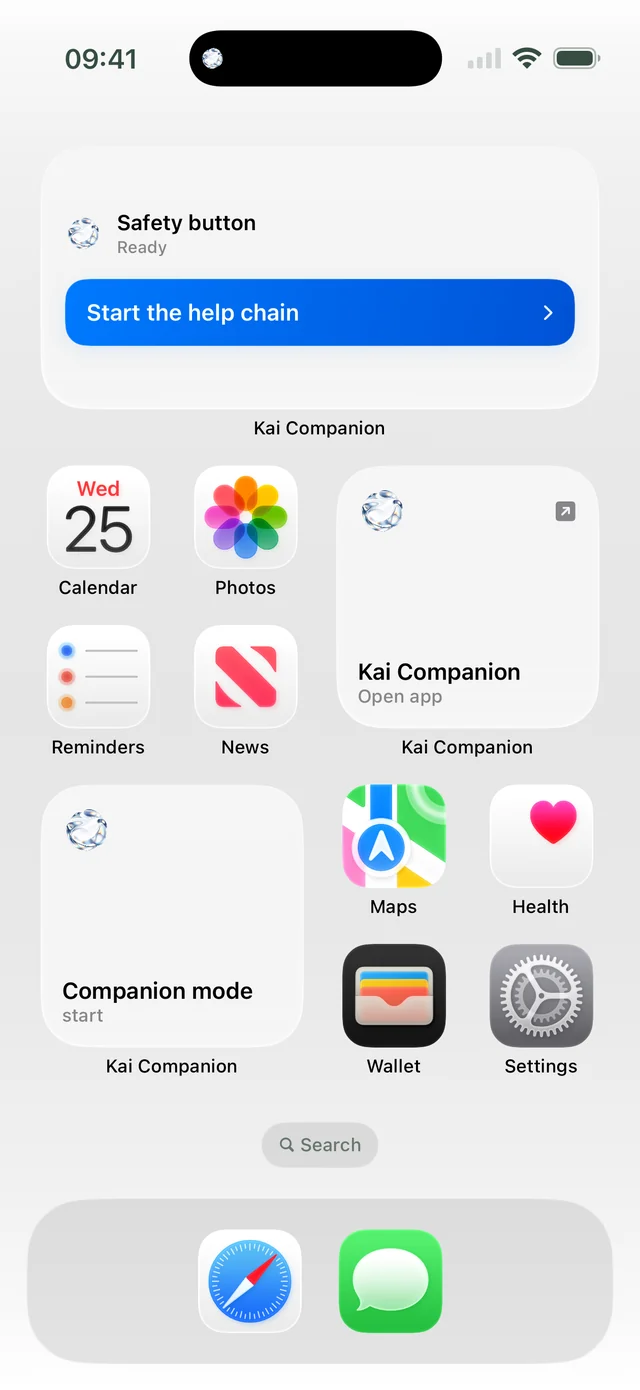
Lock screen widget, home screen widget, and Dynamic Island during active Companion Mode. Trigger help straight from the lock screen.
Trusted Contacts
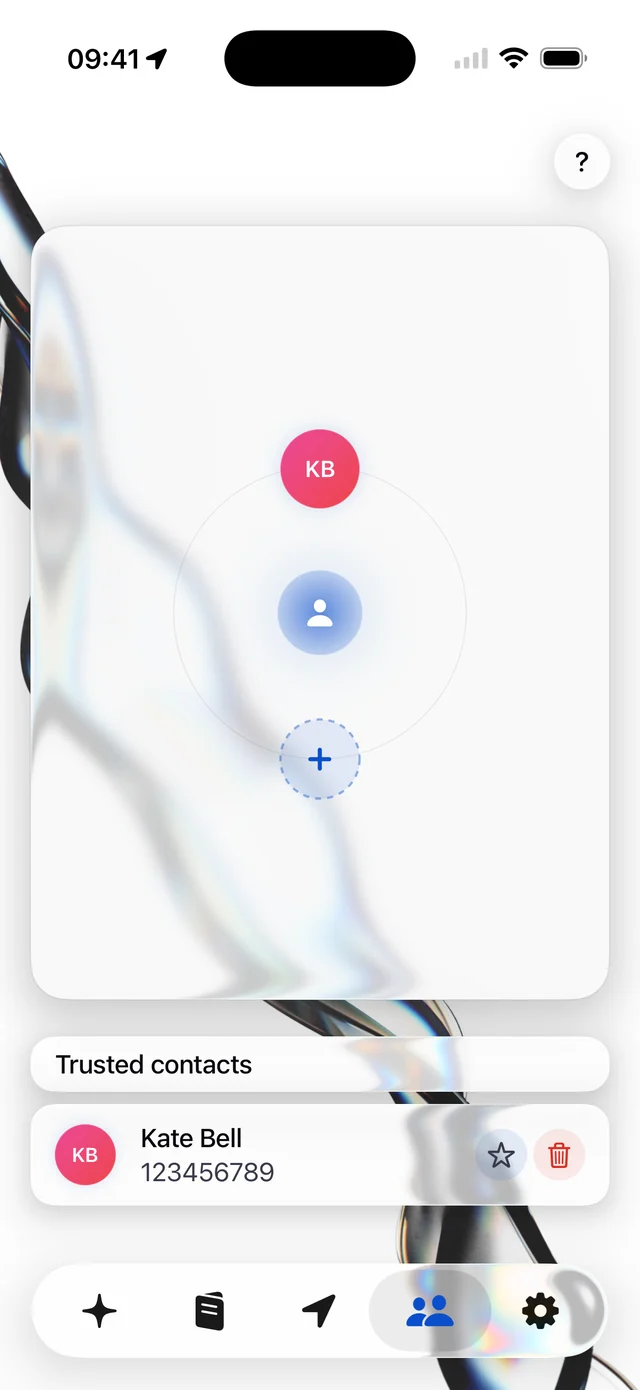
Add the people who should know when you need help, and pick your primary contact for the automatic call.
And Even More
Synced with Apple Health. Kai reads your heart rate variability and alerts you when your vitals look unusual.
Advanced 3 phase detection with activity aware intelligence. A 60 second grace period lets you cancel before Kai escalates.
Start your day informed. Severe weather, unusual vital sign trends, regional safety alerts, and inactivity warnings, all in one morning notification.
Run a full end-to-end test. Your contacts receive a clearly marked test SMS so you can verify everything works.
Fall detection and health data from your Apple Watch. Vital signs, movement, and safety stay in sync across your devices.
English, German, Spanish, French, Polish, and Russian. Your safety SMS is sent in the language you choose.
Use Cases
Whether it is your daily commute, a night out, or simply peace of mind. Kai adapts to your life.
Activate Companion Mode for your evening commute. Kai shows nearby safe places and your contacts can be alerted with one tap from your lock screen.
Set a Check-In Timer for your late shift or night out. If you do not check in, Kai contacts your people automatically.
Find hospitals and police nearby in unfamiliar places. Multi-language SMS templates keep your contacts informed, no matter where you are.
Fall detection adapts to your activity level. Vital signs monitoring tracks your heart rate variability during workouts and beyond.
Set up Kai for anyone you care about. Health monitoring, daily briefings, and fall detection give the whole family peace of mind.
Kai is for everyone. Vital signs, nearby help, proactive signals. Simply knowing it is there changes how you move through the world.
How It Works
No accounts, no servers, no complexity. Just open Kai and follow the setup.
Choose the people who should be notified when you need help. Add as many as you like.
Write your personal safety SMS. Kai automatically attaches your current location via Apple Maps.
Kai monitors your vitals, finds safe places nearby, and offers multiple ways to trigger help. Your contacts get alerted the moment you need them.
Privacy
Kai was built with one rule: your safety data never leaves your iPhone. No cloud, no servers, no exceptions.
Safety data, contacts, vital signs, and location history live exclusively on your device.
Voice commands, fall detection, health monitoring, SMS alerts, phone calls. Everything works without an internet connection.
No sign up, no email, no personal data collection. Install Kai, set your contacts, done.
FAQ
The help chain is Kai’s core feature. One trigger starts it: all your trusted contacts instantly receive an SMS with your exact location as an Apple Maps link, and Kai automatically calls your primary contact. Start it with a Siri voice command, the safety button, a check-in timer, the lock screen, or fall detection.
The moment your help chain starts, Kai reads your current GPS position on your iPhone and adds it to the SMS as an Apple Maps link. Your contacts tap the link and see exactly where you are, on any phone. Your location goes only to the contacts you chose, never to our servers.
Kai runs entirely on your iPhone. SMS alerts, phone calls, location sharing, fall detection, and voice commands all use native iOS capabilities that work offline. Your safety never depends on Wi-Fi or cellular data.
No. When you trigger an alert, Kai sends a standard SMS with your current location and places a regular phone call. Your contacts receive help requests on any phone. No app required.
Kai is available for iPhone and iPad, and works with Apple Watch for fall detection and vital signs monitoring. It is deeply integrated with iOS features like Siri, Dynamic Island, Live Activities, and HealthKit. There are no plans for Android at this time.
All your data stays exclusively on your device. Contacts, vital signs, and location history never leave your iPhone. Kai has no cloud backend, no servers, no accounts, and no data collection.
Kai includes a short countdown before sending alerts, giving you time to cancel if it was a false alarm.
Now on the App Store
Help chain. Live location. Every trigger you need. Set up in under two minutes.
Available in 6 languages. English · Deutsch · Español · Français · Polski · Русский